
DTG printer vs screen printing: choosing equipment for your business
Compare DTG and screen printing using your order mix, full production costs and a sample-job worksheet rather than a fixed quantity rule.
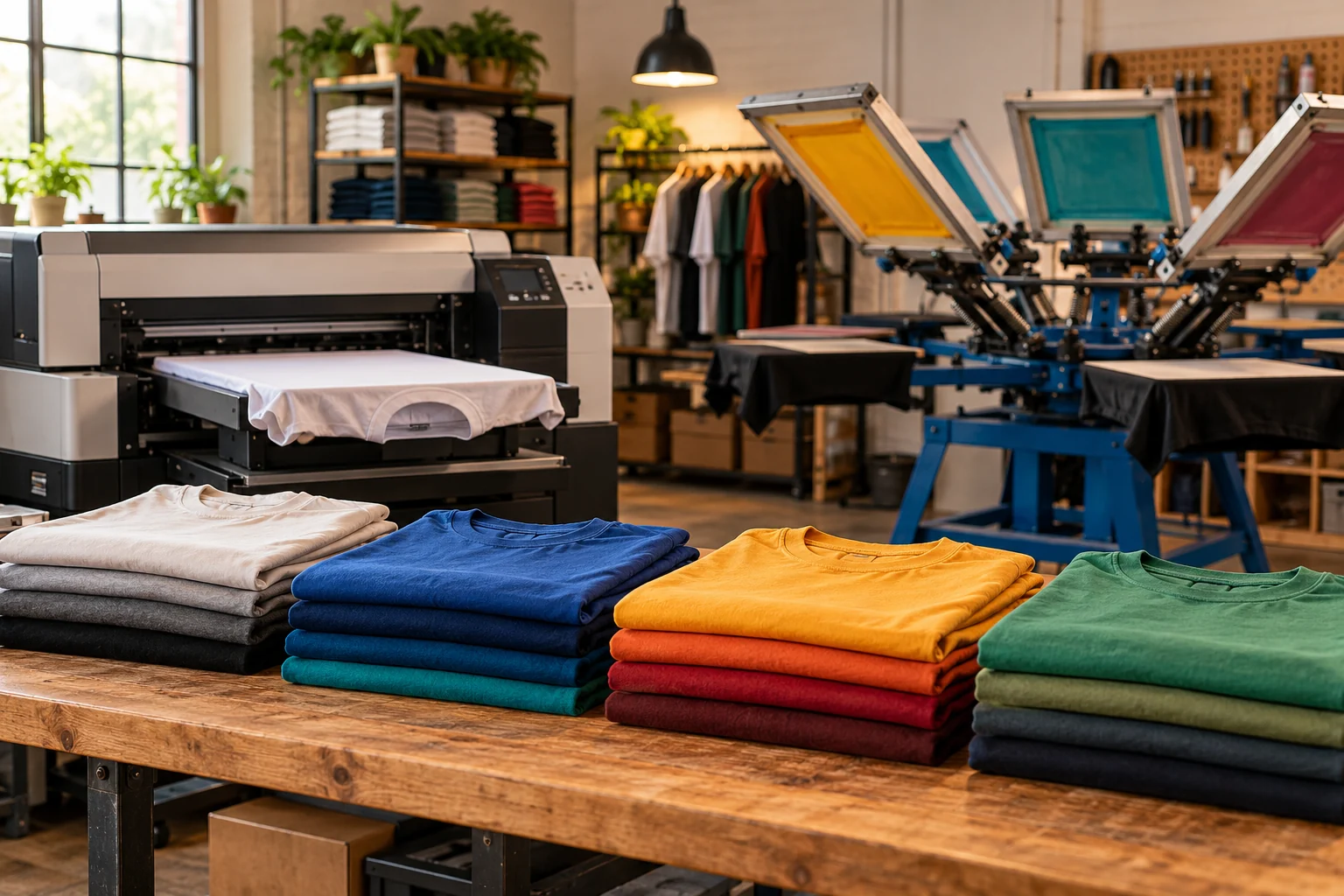
Choose between a DTG printer and screen-printing equipment by comparing the orders your shop actually receives. The useful decision is not which method wins in general. It is which workflow can deliver your mix of designs, garments and batch sizes at an acceptable cost and quality.
DTG can be worth testing for varied artwork and short orders; screen printing deserves a close look for repeat runs where setup can be spread across more pieces. Epson's manufacturer comparison highlights detailed, multicolored DTG work and the setup burden of screen printing. Treat that as a starting point, not a universal quantity cutoff or a promise about your shop's output. Epson garment-printing comparison
This guide compares commercial equipment purchases. It does not prescribe ink handling, curing settings or production safety procedures.
Sort the order book into useful groups
Before shopping, review a representative period of real orders or credible customer commitments. Separate them by:
- Number of pieces per design.
- Number of different designs in an order.
- Artwork detail and required colors.
- Garment types and sizes.
- Print locations and placement requirements.
- Repeat-order frequency.
- Turnaround time customers actually buy.
A shop making many different small orders has a different problem from one repeating the same design across a large batch. Averages can hide that distinction: ten orders of 20 pieces are not the same production task as one order of 200.
Do not justify a machine using orders you merely hope to attract. Keep confirmed work separate from a growth scenario and compare both.
Test the same garments and artwork
Give shortlisted suppliers the same representative jobs. Ask them to identify the equipment, accessories and supporting steps used in the demonstration, and whether those are included in the proposed package.
Agree on how your team will assess the finished garment. Review the appearance, placement, feel and any durability testing appropriate to your product requirements. Do not turn a supplier's general marketing claim into a guarantee for every fabric or design.
The test should include setup, loading, printing, required finishing, inspection and packing—not just the time the print head or press is moving. Ask how the demonstrated workflow changes when the next job uses another garment or design.
Epson's buying guide describes the absence of screens and screen preparation in DTG. That helps explain the interest in varied, on-demand orders, but it does not mean a DTG shop has no preparation, maintenance or finishing work. Epson garment-printing buying guide
Calculate your own crossover instead of borrowing one
There is no single order quantity that makes one method cheaper for every shop. Equipment, artwork, labor, consumables and finishing all affect the comparison.
Use a simple model with your own verified costs:
Job cost = setup cost + quantity × variable cost per accepted piece.
For an entirely hypothetical example, suppose Workflow A has $20 of setup and $5 per accepted piece. Workflow B has $140 of setup and $2 per accepted piece.
| Quantity | Workflow A | Workflow B |
|---|---|---|
| 20 pieces | $120 | $180 |
| 40 pieces | $220 | $220 |
| 100 pieces | $520 | $340 |
The invented costs cross at 40 pieces. This is not a DTG-versus-screen-printing industry threshold. It simply shows how setup and per-piece cost interact. Different artwork or a second print location could change either assumption.
Use this calculation only after both workflows meet the required finished-product standard. A cheaper result that the customer rejects is not a saving.
Compare equipment packages, not a printer against a whole shop
For each proposal, ask the supplier to identify the complete workflow and exclusions. Include the equipment needed to prepare work, print it, finish it and keep production running.
| Budget section | What to clarify |
|---|---|
| Main equipment | Exact printer or press configuration and usable production area |
| Preparation | Required supporting equipment and software |
| Finishing | Equipment required for the approved output |
| Handling | Tables, fixtures, storage and garment movement |
| Site work | Requirements for qualified facility professionals to assess |
| Training | Who is trained, what is covered and what follow-up is included |
| Support | Warranty, service, maintenance obligations and excluded items |
| Consumables | Starter quantities versus ongoing purchase requirements |
Do not assume a basic machine price includes the supporting equipment used in a sales demonstration. Nor should you add equipment merely to reach a financing threshold. The package should reflect genuine business requirements.
Look for the bottleneck after printing
A faster main machine may not improve completed orders if preparation, finishing or packing cannot keep up. During the demonstration, observe where work waits and how many people are needed.
Ask what happens on a mixed day: a rush reorder, a garment change and an artwork revision. Record the time and consumables required to move between jobs. Those changes may matter more to your business than the highest advertised hourly output.
Also evaluate the required daily and periodic care. Have the supplier explain the written maintenance obligations and support terms. Do not assume a machine can sit unused without any attention, or that a warranty covers every consequence of missed maintenance.
Consider a staged purchase
You do not have to buy both workflows at once. One option is to own the equipment that fits the strongest existing demand and use a reliable outside production partner for work that does not fit. Compare that arrangement with the cost and management burden of bringing both methods in-house.
Use actual outsourcing quotes and your expected order mix. Avoid assuming in-house production automatically costs less once space, staffing, downtime and equipment ownership are included.
A staged plan should state what would justify the second investment: a documented volume, a service problem or a customer requirement—not merely the availability of another machine.
Common buying questions
Is DTG always the better option for small orders?
It is a candidate worth testing, not an automatic winner. Check the actual garment, artwork, required finish and complete job cost.
Does screen printing always have lower per-piece costs?
Not across every order and configuration. Separate setup from variable costs, then compare accepted output for your own jobs.
Should the financing request include finishing equipment?
Include it in the itemized business proposal if the workflow genuinely requires it. Ask the provider which costs it can finance; do not assume every accessory, site expense or consumable qualifies.
Buy for the work you can support
The decision should leave you with tested output, a complete package and an order-level cost model. Review Dengaro's equipment-financing requirements, then start an enquiry if you want to explore options for the specific purchase. Equipment fit, eligible costs, approval and terms depend on provider review.